Artificial Intelligence
AI agent vs. chatbot: what is the difference (and what you actually need)
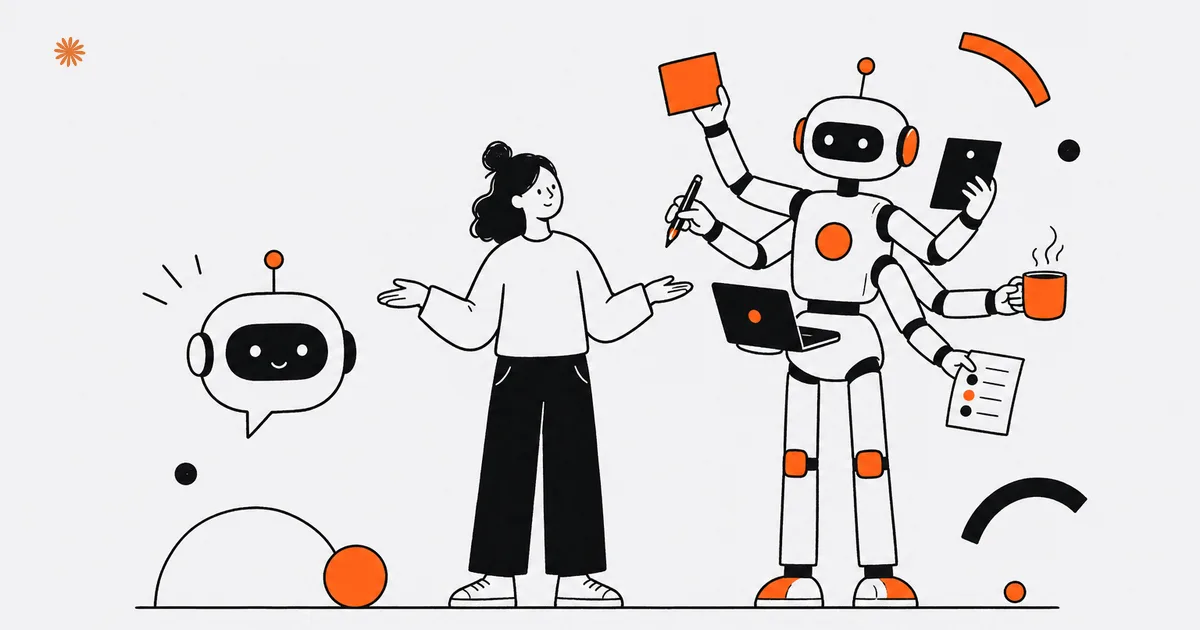
A chatbot answers questions; an AI agent takes actions and makes decisions in sequence across multiple systems. For tasks that end in a good answer, a chatbot is enough. For workflows that read, check, decide, and execute across tools, you need an agent. Start with the chatbot, then add the agent when the work calls for it.
What is a chatbot?
A chatbot is an assistant that answers questions in plain language, one question at a time. It takes in a message, understands it, and hands back a reply drawn from the information you gave it. It does not take action outside the conversation: its job starts and ends in the back and forth of text with a person.
The key point is that a chatbot lives inside the conversation. It can answer "what are your hours?", "do you offer remote consultations?", or "how much is a website?", because those answers sit in its content. It is great at lifting repetitive work off your phone and your inbox, but it stays a conversation partner: it talks, it does not act.
Picture the chatbot on a dental office website. A visitor asks "do you have any openings this week?" and the chatbot replies "usually yes, here is the address to book." It is useful and instant, but it never opened the calendar, never checked for a real gap, never confirmed anything. It gave a solid answer inside the chat, and it stopped there.
What is an AI agent?
An AI agent does more than answer: it reads documents, calls tools and APIs, and decides what to do in sequence to finish a task. It understands the goal, breaks it into steps, runs each step against the systems you connected, and stops only when the result is complete.
The key difference is that an agent works across multiple tools and makes one decision after another. It can read a customer email, look up the data in your system, check calendar availability, draft a reply, and update a record. Each step depends on the one before it: if a piece of data is missing, the agent picks another path instead of getting stuck.
Take that dental office again, this time with an agent. A request comes in: "I would like an appointment Thursday afternoon." The agent opens the calendar, finds the open slot, confirms the patient is already in the records, proposes the time, books the appointment, and sends the confirmation. It did not describe what it would do: it did it. That is the jump from a chatbot.
What is the practical difference between the two?
The rule is simple: count how many decisions in sequence the task requires. Below roughly five decisions, where the work really comes down to giving one correct answer, a chatbot is enough. Above that, with steps that depend on one another across different systems, you need an agent.
This is not a hard math threshold, it is a way to get your bearings. If the flow is "question, answer, done," even repeated a thousand times a day, it stays chatbot territory. If the flow is "read, check, decide, execute, update, confirm," and each step changes based on what the previous one found, you are in agent territory.
| Chatbot | AI agent | |
|---|---|---|
| What it does | Answers questions | Takes actions and makes decisions |
| Systems used | Only the conversation | Multiple connected tools and APIs |
| Typical steps | One: question and answer | Several, in sequence, linked together |
| Example | Explains the hours | Books, confirms, and updates |
Before you choose, write down the real steps of the task on paper. If the list is short and ends in an answer, start with the chatbot: it costs less and stands up faster.
Which one do you need for your goal?
The choice depends on the goal, not the technology. If you want quick answers and fewer repetitive questions, you need a chatbot. If you want a task carried out on its own, start to finish, you need an agent. Always begin with the result you are after.
For a professional services firm, a CPA or a law practice, a chatbot covers the front line well: it explains the services, lists the documents to prepare, and filters out off-topic requests before they hit your desk. An agent comes in one step further, when you want the client request read, classified, routed to the right person, and tracked without you touching it.
For a small business, the same logic applies to sales and post-sale support. A chatbot answers people asking about quotes, timelines, and shipping options. An agent steps in when the order has to be pulled from your system, its status checked, the customer updated, and the case logged: a flow that touches several tools and that no single answer can close.
- Many similar questions, few actions: chatbot.
- One task that crosses multiple systems: AI agent.
- Want to start now and grow later: chatbot now, agent when the flow calls for it.
What do you need to put it on your website?
To bring a chatbot or an agent onto your website you need two things: a place for the assistant to appear, and a reliable source of information for it to draw on. The first is technical and quick; the second is what really separates vague answers from useful ones.
For the visible part, the assistant on the page and how it connects to your site, you will find everything in the guide to an AI chatbot for your website. It is the concrete starting point: how it looks, where it goes, and what it takes to make it actually work for your visitors, instead of becoming one more widget nobody uses.
For answer quality you need to connect the assistant to your real data, and this is where RAG on your company data comes in. Without your documents, an assistant answers in generic terms; with RAG it draws on your content, so it replies with your information instead of canned phrases. This holds for the chatbot and the agent alike.
The right order is almost always this: start with the chatbot on your data, watch which questions actually come in, and only then decide whether you need an agent that also takes the actions. That way you do not pay for complexity before its time, and you build on top of something that already works.
Not sure whether you need a chatbot or an agent? Let us look at your real workflows together and figure out the best place to start.
Let's talkFrequently asked questions
- Is an agent better than a chatbot?
- Not in absolute terms, it depends on the task. An agent is more powerful because it takes actions across multiple systems, but it is also more complex to set up. For quick answers to recurring questions, a chatbot is often the better choice: it does the right job without needless complication.
- Does it cost a lot more?
- An agent costs more than a chatbot, because it has to be connected to your systems and handle decisions in sequence. But the right comparison is with the value it frees up. If it automates a flow that eats hours every week today, the extra spend pays for itself quickly.
- Can I start simple?
- Yes, and it is the recommended path. Begin with a chatbot connected to your data, gather the real questions customers ask, and learn where actions truly need to happen. Only then weigh the agent. You build on something that already works, without paying for complexity before its time.
- Does it speak my customers' language?
- Yes, both the chatbot and the agent handle natural language fluently, including informal requests. They understand the question and answer in the same language, with the tone you set. They can also work across multiple languages, useful if you have customers or vendors writing from abroad.
- Can a chatbot become an agent later?
- Yes. A chatbot built on your real data is a solid foundation: the same information that powers good answers also feeds an agent. When you decide a workflow is worth automating, you connect the tools and add the action layer on top, without starting over from scratch.
Sources

DigitiNexus — Web & Design Agency
We are a team of designers and developers specialized in SEO, Next.js and digital growth for professional firms, small businesses and startups, in the US and beyond. We build websites that bring real traffic and real clients.